
Sally doesn't already have a Windows Live account, so she starts by going to the signup page to create one:
Then she goes to http://calendar.live.com, signs in using the Live ID she just created (sally@keenebookclub.org), and creates a calendar for the book club:

She clicks Edit sharing and makes the calendar public:

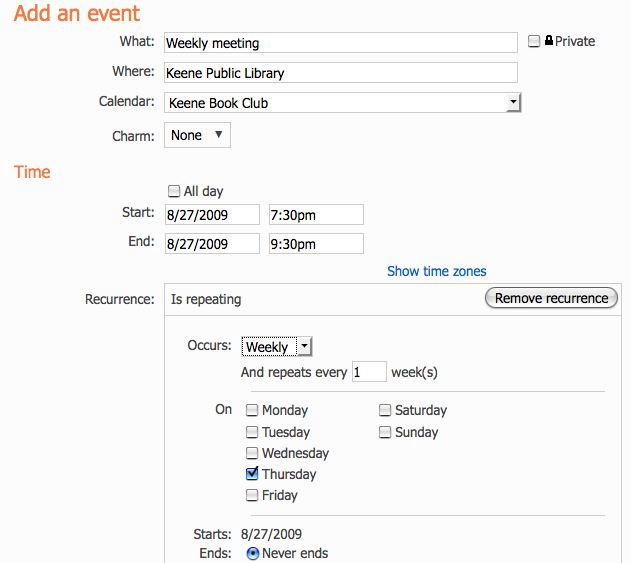
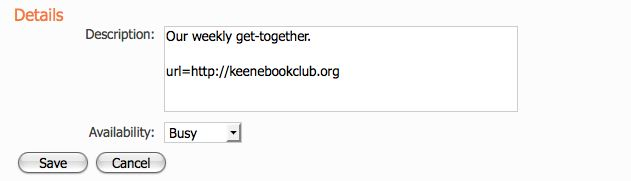
She adds the weekly meeting:
Now, under Calendars, she clicks Keene Book Club and then clicks Edit sharing again to reveal the links she wants to share:

She clicks HTML: Preview in a web browser to reveal the URL that she can use to link to this calendar from the club's website.
She clicks ICS: Import into another calendar application to reveal the URL she'll use to connect her calendar to sentinelsource.com:

She selects the URL displayed there, copies it, switches to the ExampeNewspaper.com submission page, and pastes the URL: